Connect the servers you already run. Operate them from one place.
AWS, Azure, a VPS, your own data centre, the Windows boxes in the office. Install the Dokwe agent and see, patch, fail over and audit all of it from one console, without moving anything.
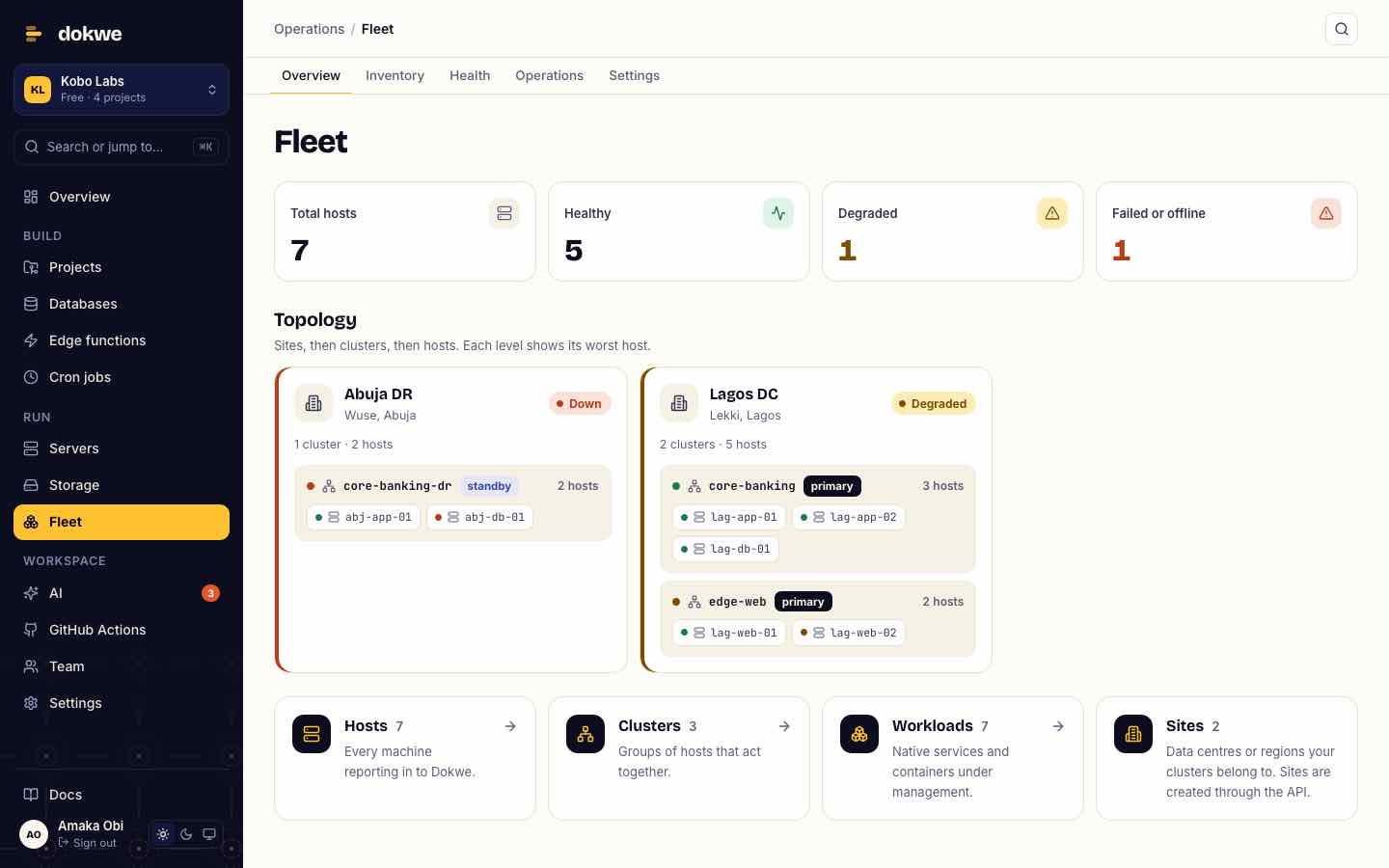
Keep your servers. Connect them.
There's no migration. Each server runs a small agent that dials out to Dokwe over an encrypted connection, so you don't open inbound ports.
- 3 EC2 instanceseu-west-1 · Linux
- 4 Azure VMsSouth Africa North · Linux & Windows
- 6 servers, Lagos data centreBare metal · Ubuntu
- 2 Windows servers, Abuja officeIIS sites · Windows services
- 1 disaster-recovery siteStandby cluster
One Dokwe console
- Every server in one inventory, grouped into sites and clusters
- CPU, memory and disk, health checks and alerts
- Patching, failover and DR drills across sites
- One audit trail of who did what
Developers on the same servers can also deploy apps with a git push, so ops and dev share one platform.
The work that keeps the lights on.
Inventory and health
Every host with its OS, kernel, CPU, memory and disks, grouped by site and cluster. Health checks and alerts tell you what's degraded before you go looking.
- TCP, HTTP, command, file and log-pattern checks
- Alerts to Slack, email or your own webhook
- CPU, memory and disk history per host
Rolling patches
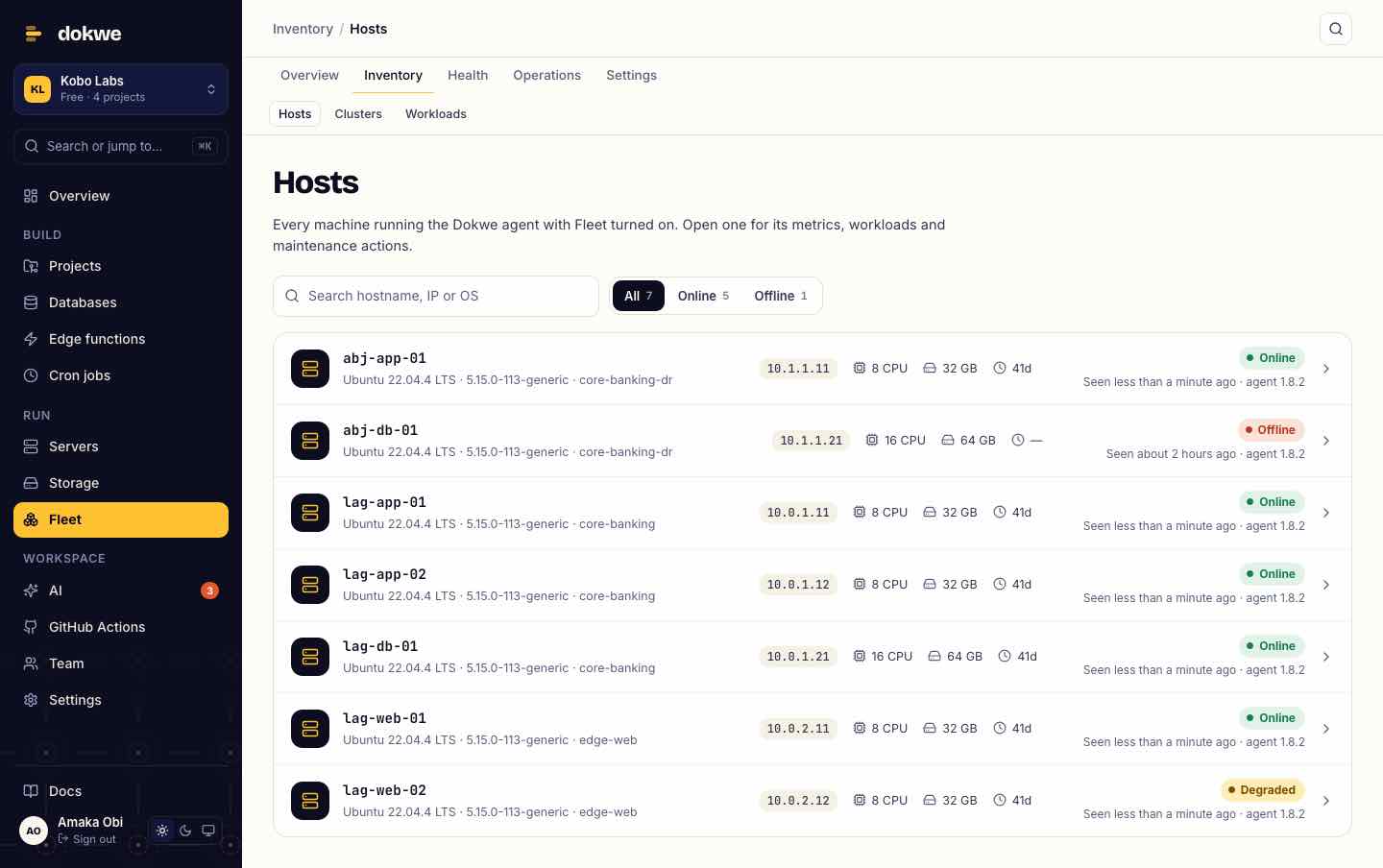
Patch a cluster one host at a time with a command you choose. If a host's post-check fails, the run pauses so nothing else is touched until you look.
- Per-host progress, output and timings
- Resume or abort from the console
- Maintenance windows that silence expected alerts
Failover between sites
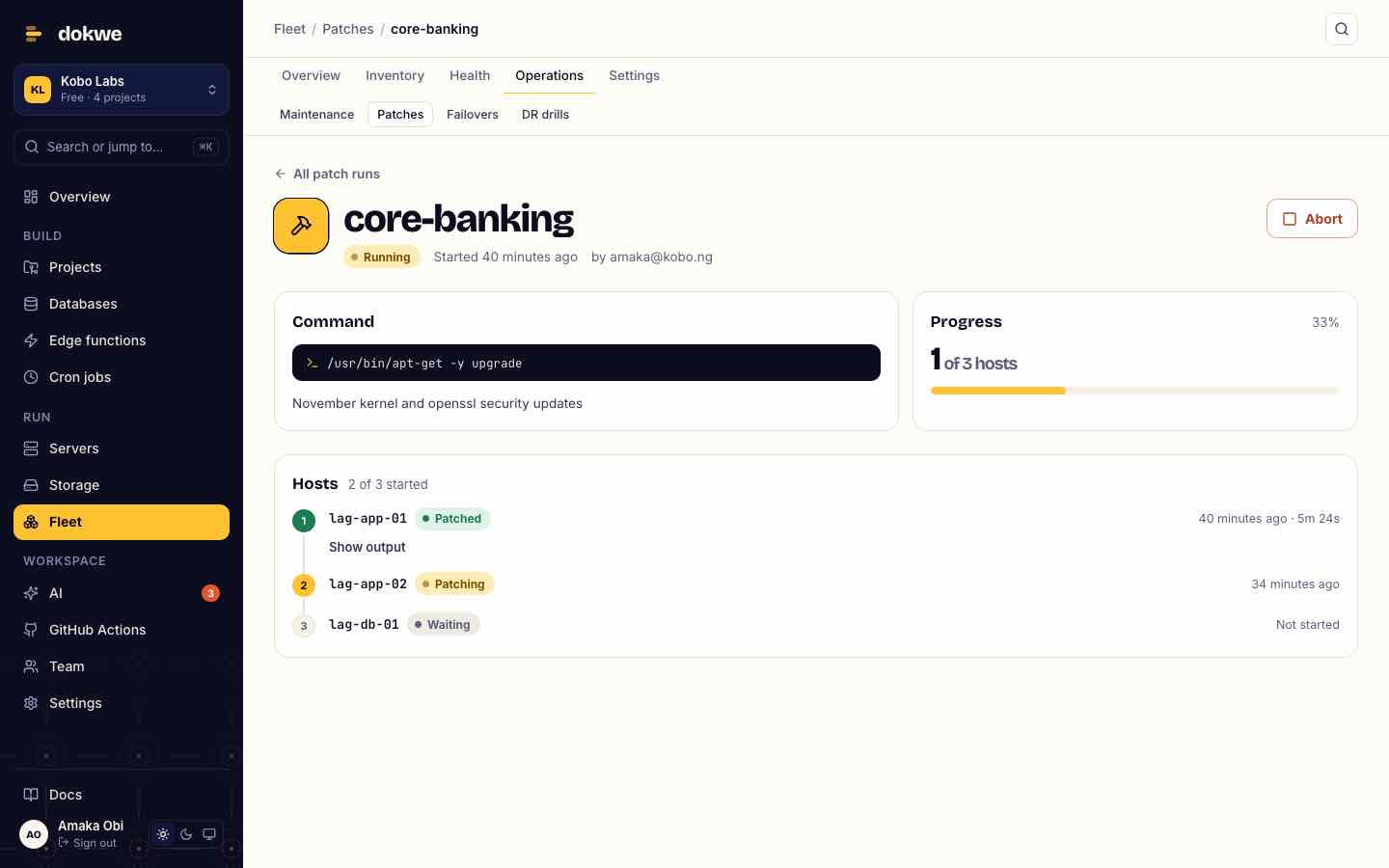
Move a cluster from its primary site to the standby, step by step: checks on the target, a DNS switch, the role change, then checks again. Every step is timed and logged.
- DNS through Cloudflare, Route 53 or your own script
- Typed confirmation before anything moves
- Recovery time recorded for each run
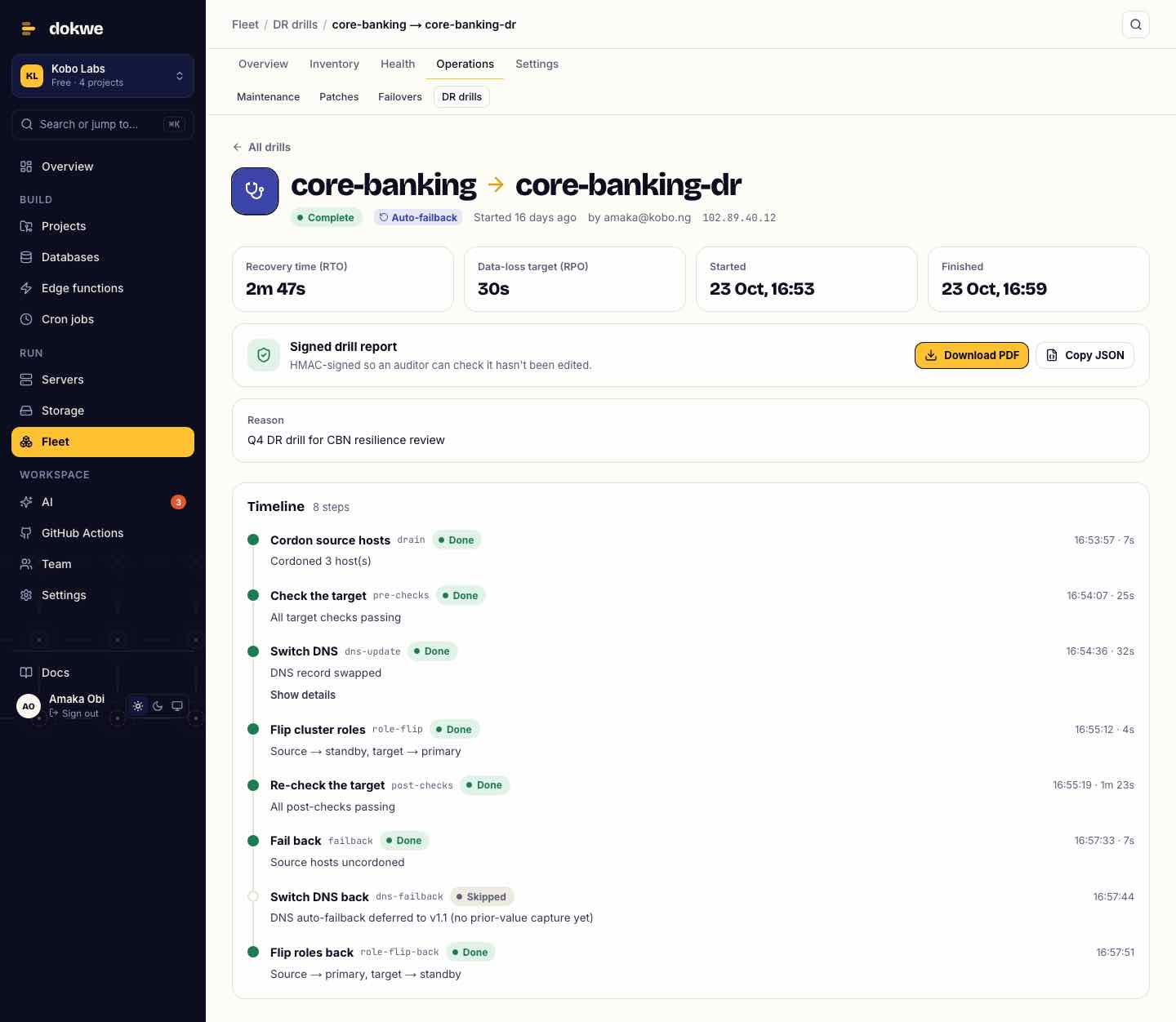
DR drills with signed reports
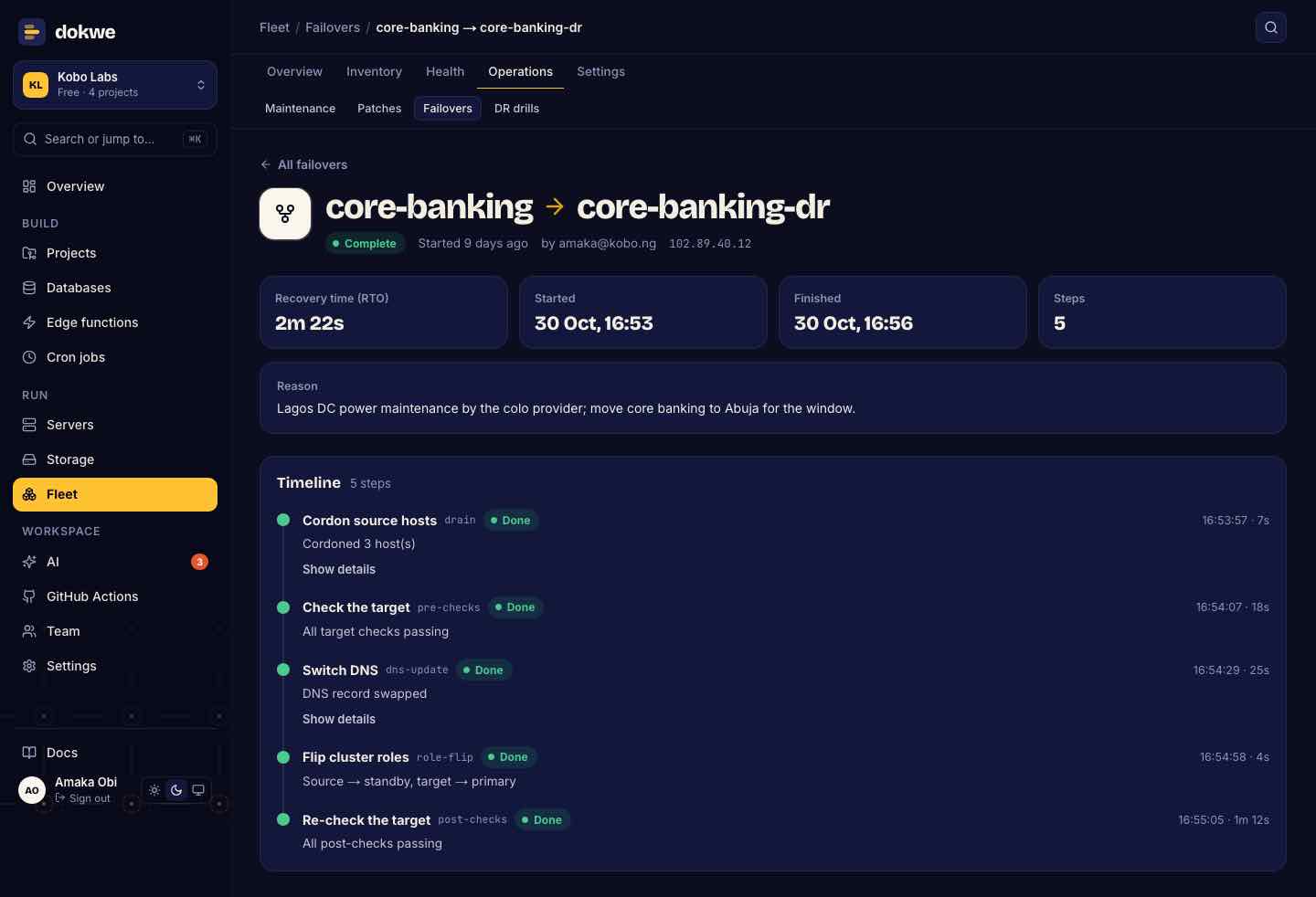
Rehearse a failover whenever you need to, without waiting for a real outage. Each completed or failed drill produces a signed report, as PDF and JSON, that you can hand to an auditor or regulator.
- Reports signed so tampering is detectable
- Recovery time and point objectives per drill
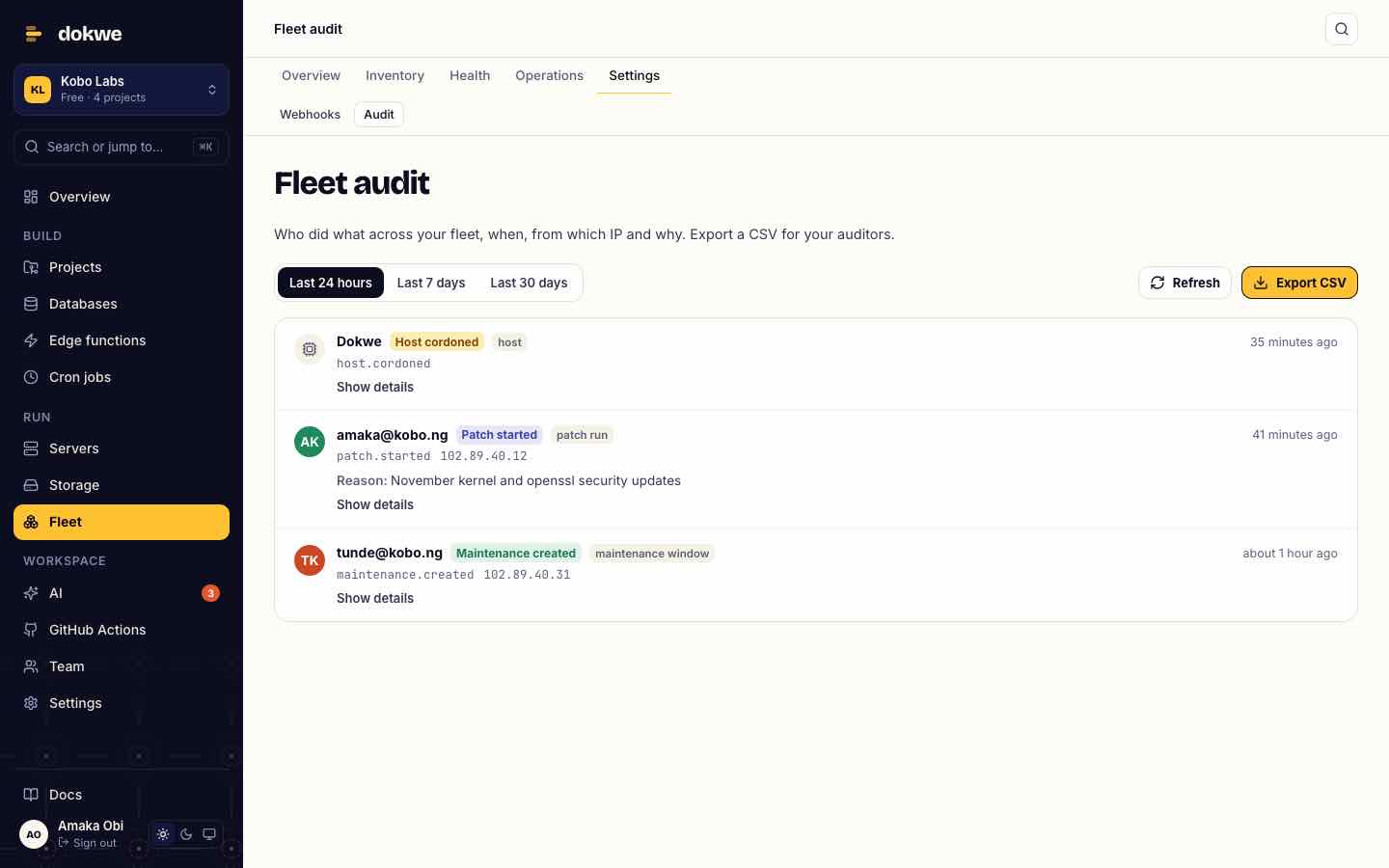
An audit trail
Who did what across your fleet, when, from which IP and why. Export it as CSV for your auditors.
Not just containers.
Most deployment platforms only see Docker. The Dokwe agent finds what's already running on each server, so you can watch it and, when you're ready, start, stop and roll it back from the console.
Linux
- systemd services
- containers
- native releases
- scheduled jobs
Ubuntu, Debian, RHEL-family and others: anything with apt, dnf or yum, on x86_64 or arm64.
Windows Server
- IIS sites
- IIS app pools
- Windows services
- scheduled tasks
The same console, the same checks and the same audit trail as your Linux servers. Windows servers are connected with our help during onboarding.
Your hardware, your rules.
Your data stays put
Apps, databases and files keep running on servers you control. Dokwe manages them; it doesn't move them.
Roles for every team
Workspace admins, members and viewers, plus Fleet viewers, operators and admins, so each person gets exactly the access they need.
Two-factor, enforced
Require 2FA (an authenticator app or a passkey) before anyone can join your workspace, by invite or join link.
Outbound-only agent
The agent authenticates with a token and connects out to Dokwe. No inbound ports, no SSH keys shared with us.
Your domain, your brand
Run the Dokwe console on your own domain with your logo and colours for your teams.
Invoicing that fits
Pay by invoice in naira or dollars, through Paystack or your procurement process.
On the roadmap: single sign-on (SAML / OIDC) and directory sync. Tell us what your identity provider is and we'll prioritise it with you.
From first call to your whole estate.
A walkthrough
We look at your estate together: sites, server count, Windows and Linux, and what you need to report on.
One server first
Install the agent on a single server and watch it appear in your console.
curl -sSL https://dokwe.com/install | bash -s -- --token <token> --enable-fleetYour first cluster
Group servers into sites and clusters, add health checks and alert channels, and run a first patch or drill.
Roll out
Connect the rest on a plan that suits your change windows, with your team trained on the console.
See Dokwe on your own servers.
Tell us a little about your estate and we'll set up a walkthrough.
- A 30-minute callWe'll show the console and talk through your setup.
- A pilot on your serversStart with one cluster before you commit.
- A quote in your currencyNaira or dollars, by invoice.